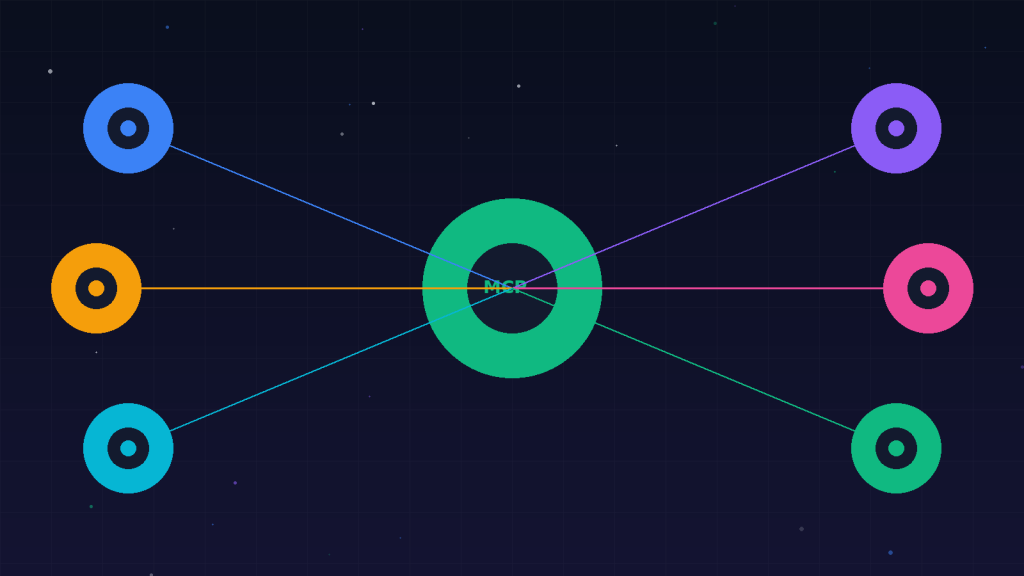
Every time you build an AI agent, you write integrations — code that connects the model to your databases, APIs, and file systems. Until recently, every framework (LangChain, CrewAI, AutoGen) had its own way of defining tools, and switching frameworks meant rewriting every integration. The Model Context Protocol (MCP) fixes this by providing a single, open standard for exposing tools and data to any AI model.
What MCP Does
MCP defines a client-server protocol. An MCP server exposes tools, resources, and prompts. An MCP client (Claude Desktop, an IDE extension, or your custom agent) consumes them. The protocol handles the communication, so you write a tool once and any MCP-compatible system can use it. This is a significant shift: it means tool definitions become reusable assets rather than framework-specific code.
Why This Matters for Development Teams
Before MCP, connecting an agent to your internal systems meant writing a custom integration for each framework. If you later switched from LangChain to CrewAI, you rewrote everything. With MCP, you write an MCP server for your CRM once, and it works with any agent that speaks the protocol. This dramatically reduces lock-in and speeds up agent development across your team.
Building an MCP Server
An MCP server can be built in Python or TypeScript using the official SDKs. You define tools as functions with schemas, just as you would for native function calling, but wrapped in the MCP protocol. The server runs as a local process (using stdio) or remotely (using SSE). Claude Desktop and other clients connect to it automatically. The protocol handles tool discovery, invocation, and result formatting.