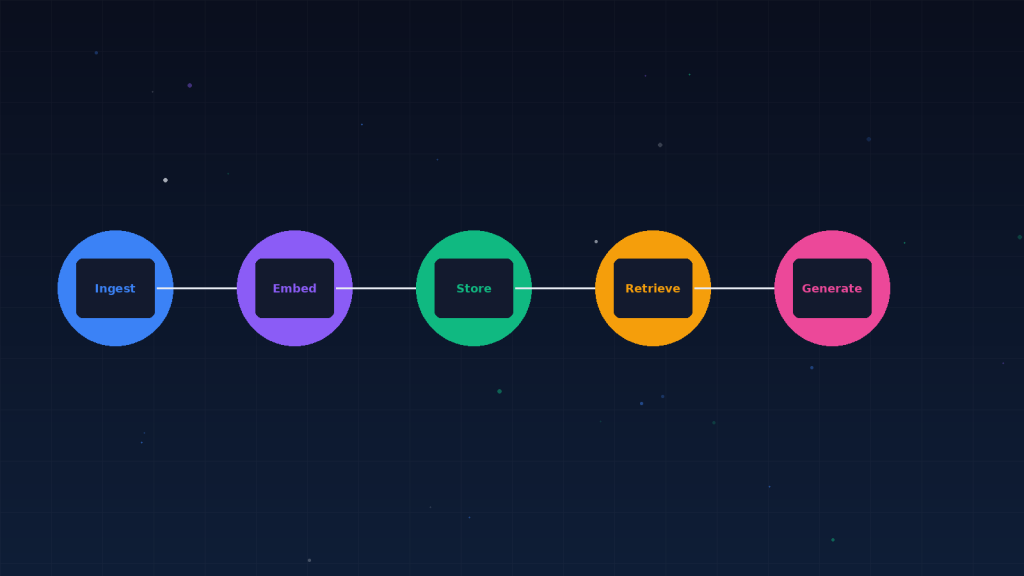
LangChain is the most widely adopted framework for building LLM applications, and LangGraph is its extension for building stateful, multi-step agent workflows. If you are building anything beyond a single LLM call — RAG, agents, chains, or multi-step reasoning — LangChain provides the abstractions, and LangGraph provides the orchestration.
LangChain vs. LangGraph: When to Use Which
Use LangChain for linear workflows: prompt → model → parser, or RAG pipelines where retrieval feeds generation. Use LangGraph when your workflow has branches, loops, or state that needs to persist between steps. LangGraph models your application as a graph of nodes and edges, where each node is a function and edges define the flow. This makes complex agent behaviors — like a reasoning loop that can branch based on tool results — explicit and debuggable.
Building a Simple RAG Pipeline
from langchain_community.document_loaders import TextDocumentLoader
from langchain_openai import OpenAIEmbeddings, ChatOpenAI
from langchain_community.vectorstores import Chroma
from langchain_core.prompts import ChatPromptTemplate

# 1. Load and embed documents
docs = TextDocumentLoader("knowledge.txt").load()
vectorstore = Chroma.from_documents(docs, OpenAIEmbeddings())

# 2. Build the RAG chain
retriever = vectorstore.as_retriever(search_kwargs={"k": 3})
llm = ChatOpenAI(model="gpt-4o-mini")

prompt = ChatPromptTemplate.from_template(
    "Answer based on this context:n{context}nnQuestion: {question}"
)

# 3. Ask a question
docs = retriever.invoke("What is our refund policy?")
answer = llm.invoke(prompt.format(
    context="n".join(d.page_content for d in docs),
    question="What is our refund policy?"
))
print(answer.content)
When LangGraph Becomes Necessary
If your RAG pipeline needs to decide between multiple retrieval strategies, loop back when results are insufficient, or maintain conversation state across turns, you have outgrown simple chains. That is when LangGraph earns its keep. You define each step as a node, connect them with conditional edges, and LangGraph handles the execution, state management, and checkpointing. It is more work to set up, but it makes complex behaviors maintainable rather than spaghetti.