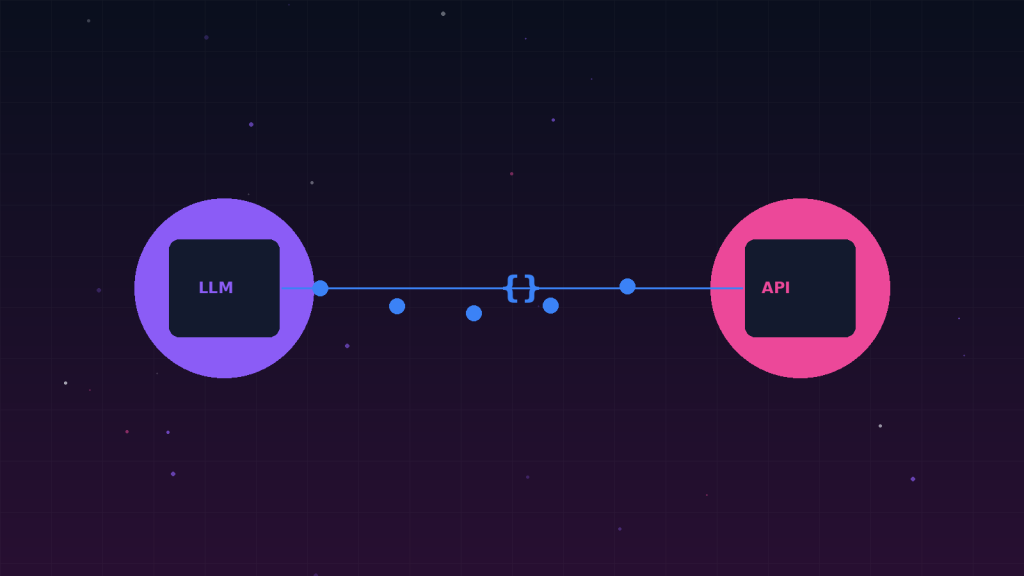
Function calling is the bridge that turns a language model from a text generator into a system that can take action. Without it, the model can only talk. With it, the model can query a database, call an API, send an email, or trigger any function you expose to it.
What Function Calling Actually Does
When you enable function calling, you give the LLM a list of functions it is allowed to call, each described by a JSON schema — a name, a description, and the expected parameters. The model then decides, based on the user’s message, whether a function call is needed and, if so, which function to call and what arguments to pass.
Crucially, the model does not execute the function itself. It returns a structured response telling your code what to call. Your code runs the function and hands the result back to the model, which uses it to formulate its final answer. This separation is what makes function calling safe — you retain full control over execution.
A Minimal Example
response = client.chat.completions.create(
    model="gpt-4o-mini",
    messages=[{"role": "user", "content": "What's the weather in Tokyo?"}],
    tools=[{
        "type": "function",
        "function": {
            "name": "get_weather",
            "description": "Get current weather for a city",
            "parameters": {
                "type": "object",
                "properties": {"city": {"type": "string"}},
                "required": ["city"],
            },
        },
    }],
)

# The model returns: call get_weather(city="Tokyo")
# YOUR code runs get_weather("Tokyo") and returns the result
Why Tool Descriptions Matter
The description you write for each function is the single biggest lever on quality. The model has never seen your code — it only sees the name and description you provide. A vague description like “gets data” will produce confused calls. A precise description like “queries the billing system for a customer’s invoice history; returns a list of invoices with date, amount, and status” will produce reliable calls. Treat tool descriptions as code — review them, test them, and iterate on them.